Gesture-based navigation for large screens
Micro Gesture by x1y9 is a utility app designed to simplify navigation on modern smartphones using motion-based gestures. Instead of relying solely on on-screen buttons, Micro Gesture allows users to trigger common system actions by subtly moving the device. The app focuses on improving one-handed use, particularly on larger displays, by mapping physical movements to everyday tasks. Micro Gesture emphasizes customization and efficiency, offering an alternative way to interact with a device without constant thumb stretching.
Top Recommended Alternative

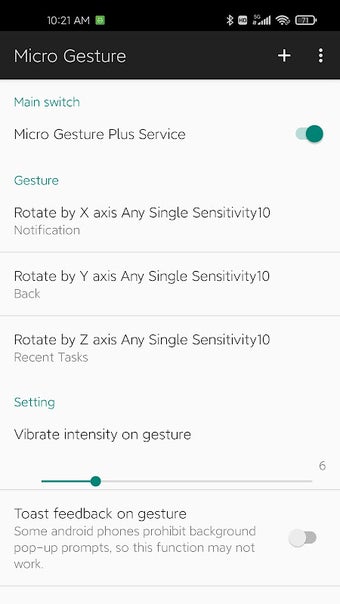
Configurable motion gestures and actions
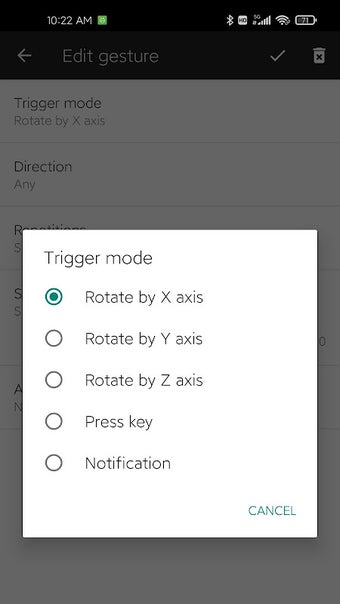
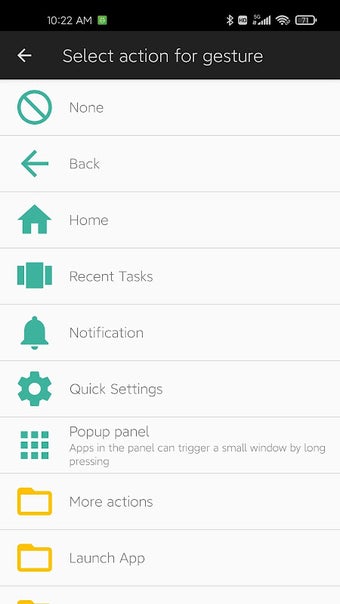
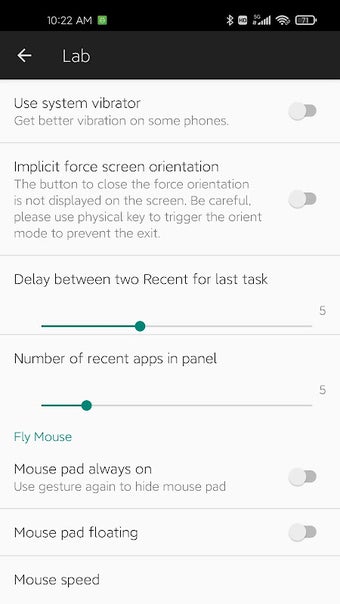
Micro Gesture uses the device’s motion sensors to detect movement across multiple axes, enabling users to define a range of customizable gestures. Within Micro Gesture, these gestures can be assigned to supported system actions such as navigating back, opening recent apps, taking screenshots, toggling system functions, or launching selected applications. Sensitivity controls help fine-tune how easily gestures activate, while optional vibration or visual feedback confirms recognition. This design keeps interaction predictable and focused on quick, repeatable actions.
Per-app control and practical limitations
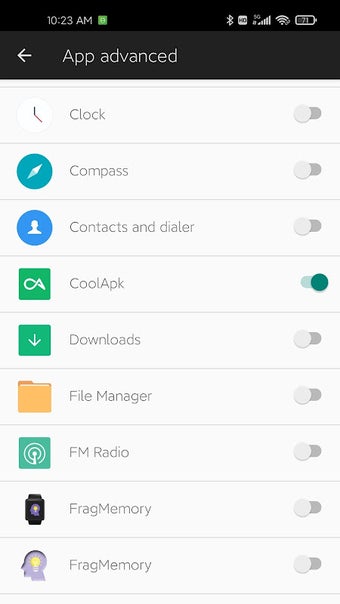
Micro Gesture also supports per-app configuration, allowing gestures to be enabled, disabled, or reassigned depending on the active application. This helps prevent conflicts with apps where motion controls may be disruptive. While Micro Gesture allows gestures to trigger predefined actions, it does not function as a full automation or scripting tool. Its behavior remains limited to direct gesture-to-action mapping, keeping the experience lightweight and centered on navigation rather than complex task automation.
Final thoughts
Micro Gesture offers a practical approach to gesture-based navigation for users seeking alternatives to traditional touch controls. By concentrating on customizable motion gestures, per-app control, and adjustable sensitivity, Micro Gesture delivers focused functionality without unnecessary complexity. It does not attempt to replace advanced automation utilities, instead prioritizing consistent and efficient access to common actions. For users who value streamlined navigation and one-handed usability, Micro Gesture presents a clear and purpose-driven solution.

.png)